Add Members
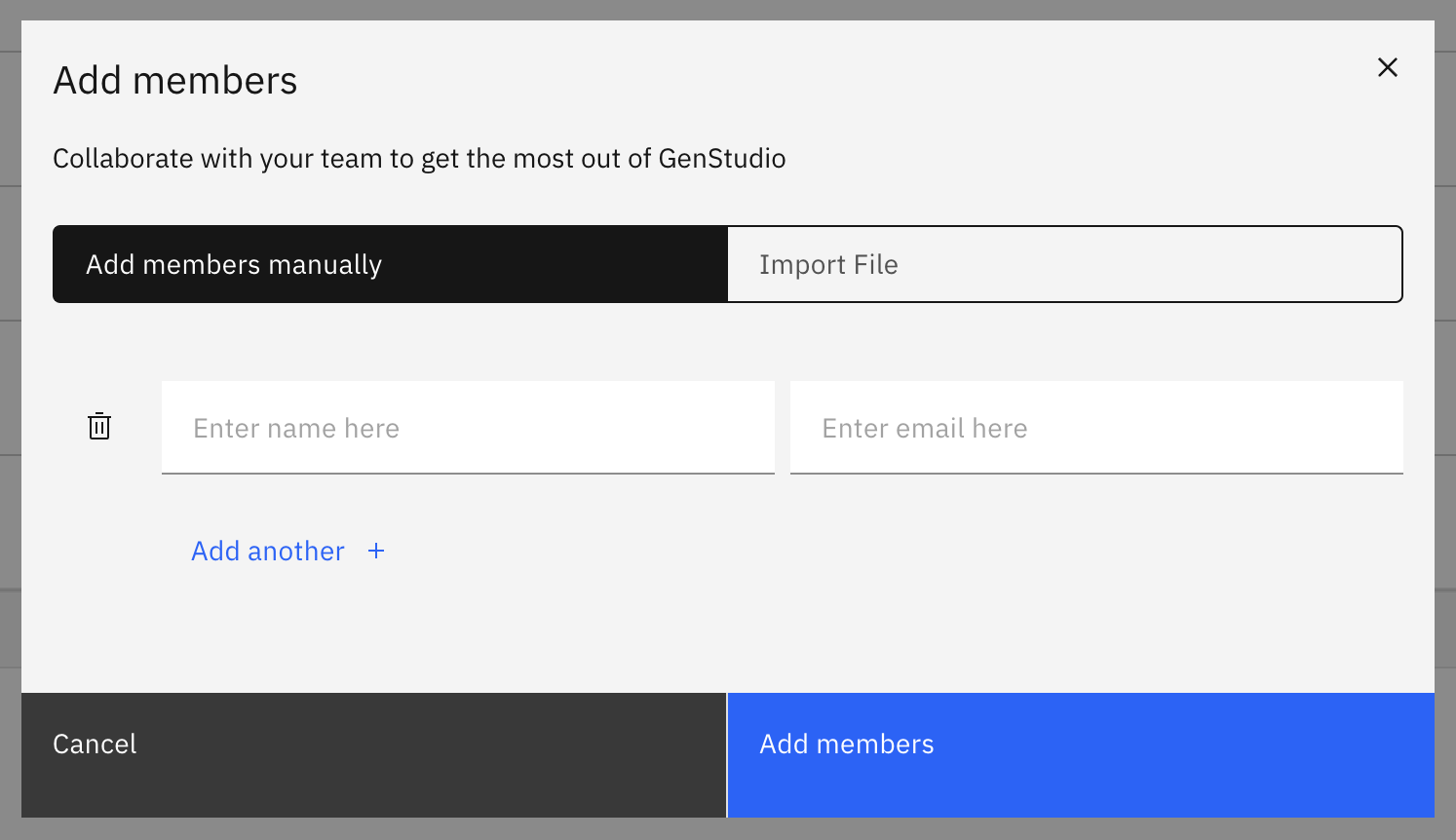
Click on the Add members button on the Members page and then enter the new member’s Name and Email. You can also Import a file to add multiple members at the same time.
Click on the Add members button on the Members page and then enter the new member’s Name and Email. You can also Import a file to add multiple members at the same time.