Assign Tags
Tags allow you to associate the tools with one or many group of members in your organization. After a tag is assigned to a tool, it can only be used by members who are also assigned that tag.
In the Tools page, click on the Assign button for each tool you want to manage. In the pop-up window, you can choose multiple tags from the multi-select dropdown. Toggle between selection and deselection for the tags as needed. Then click Save.
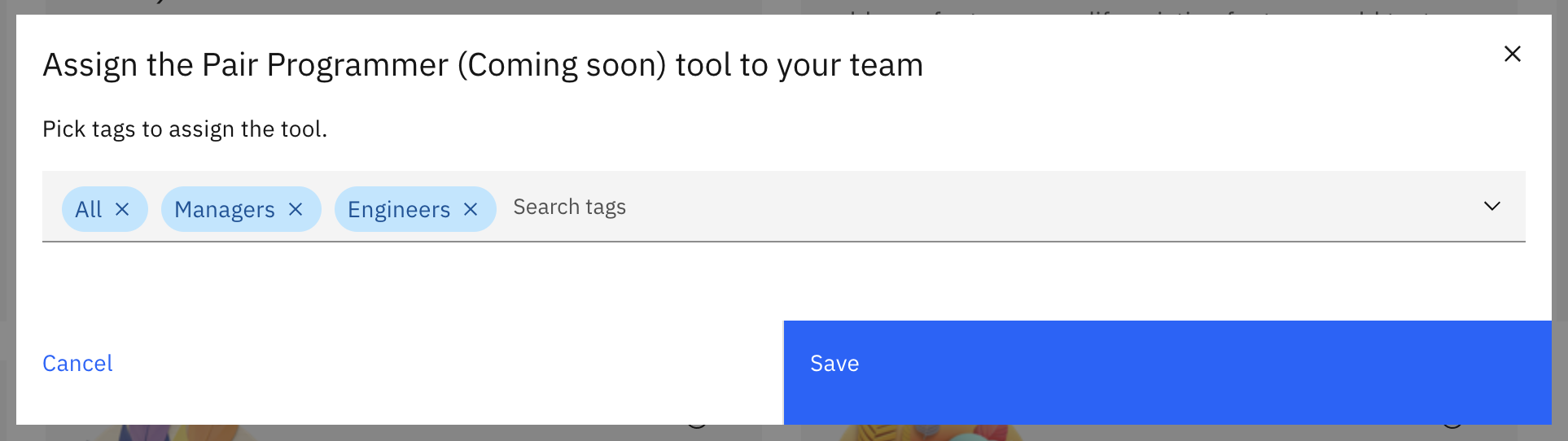
Repeat this process for each AI tool to create customized permission groups.