Invite Members
After adding members to SkyDeck.AI, they are not able to use your workspace yet. Their current Guide action is Invite, which indicates that you as an admin or owner will have to invite them by sending an email.
To invite members to use the GenStudio workspace, check the first box next to Name and Email to select all members or select individual checkboxes for individual members. Then, the Invite button will appear at the top of the page. Click on that button to send email invites to all of the selected members.
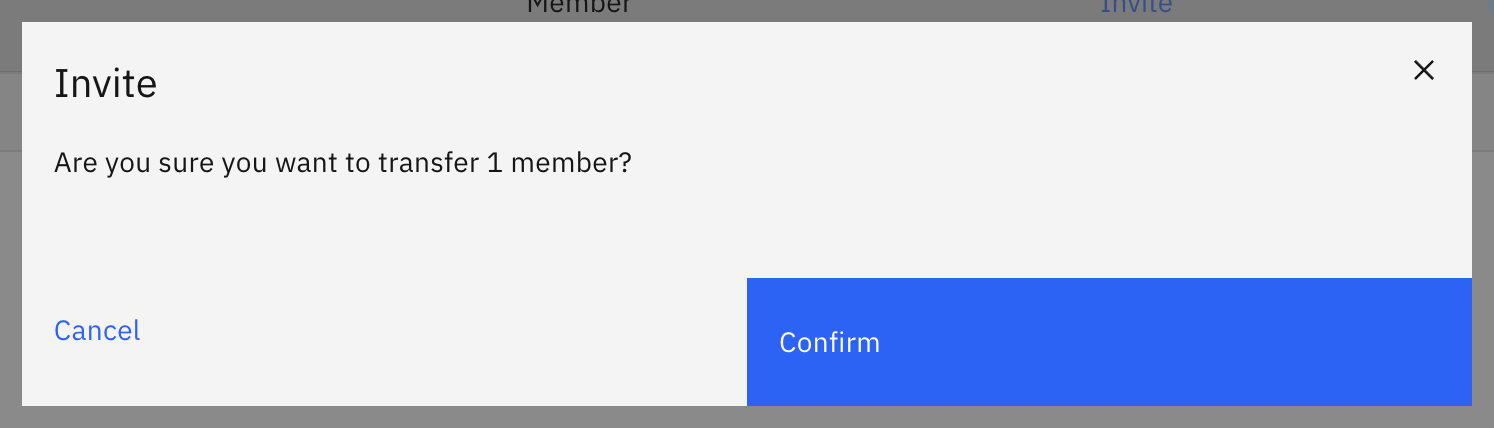
In the pop-up window, click Confirm.
After that, their Guide action will change to Wait, which means that you will be waiting for the members' responses. You can also resend the emails for those users if they miss their previous emails. After a member completes their signup process, their Guide action will change to OK, and they will be able to access your GenStudio workspace. You cannot resend an email to a member with Guide action of OK.
If the previous link expires, the Guide action will change to Re-invite. For more details about each Guide action, please refer to ..