Set Up Integrations
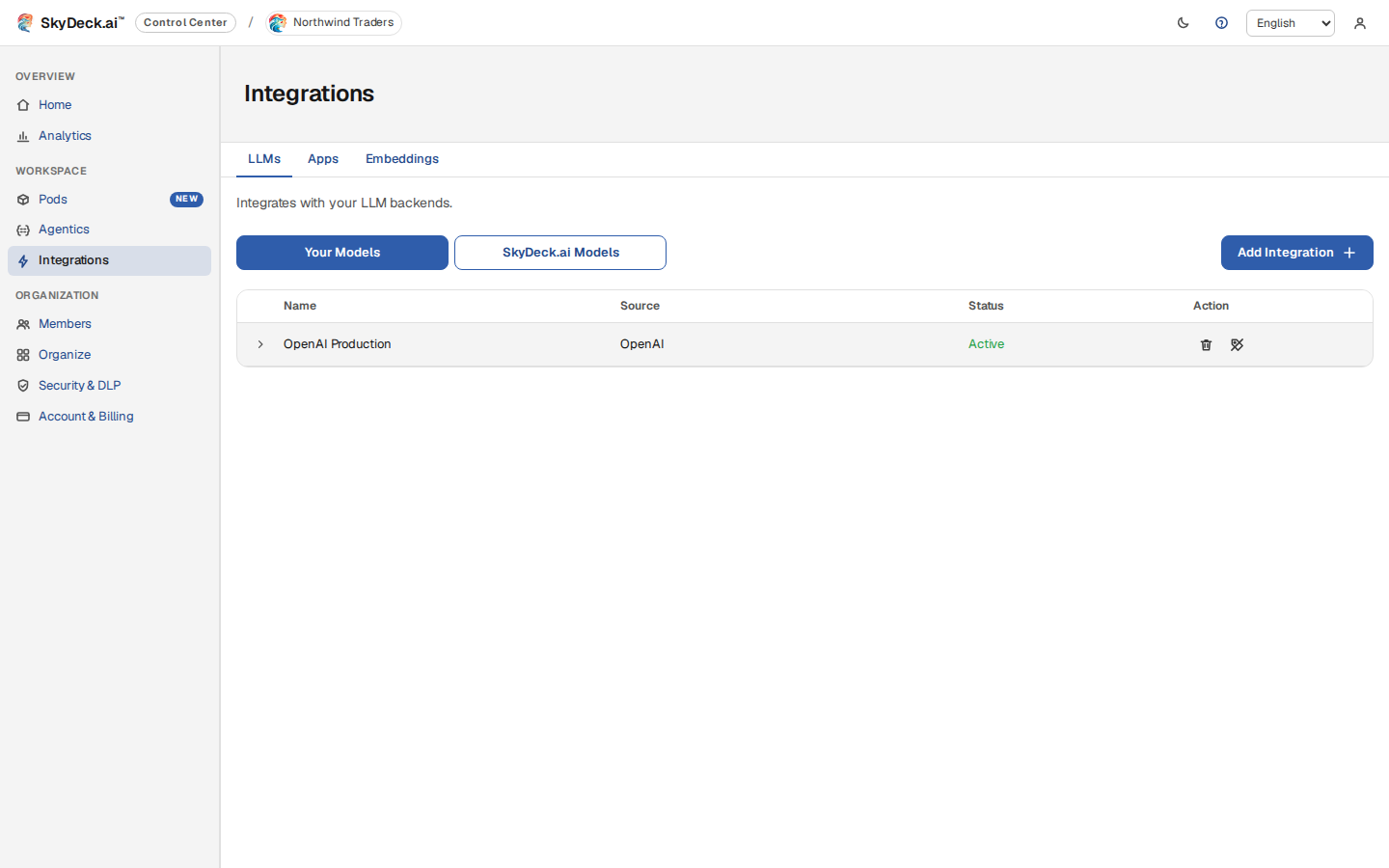
Head back to the Setup Guide and click Add Integration or select Integrations from the sidebar.
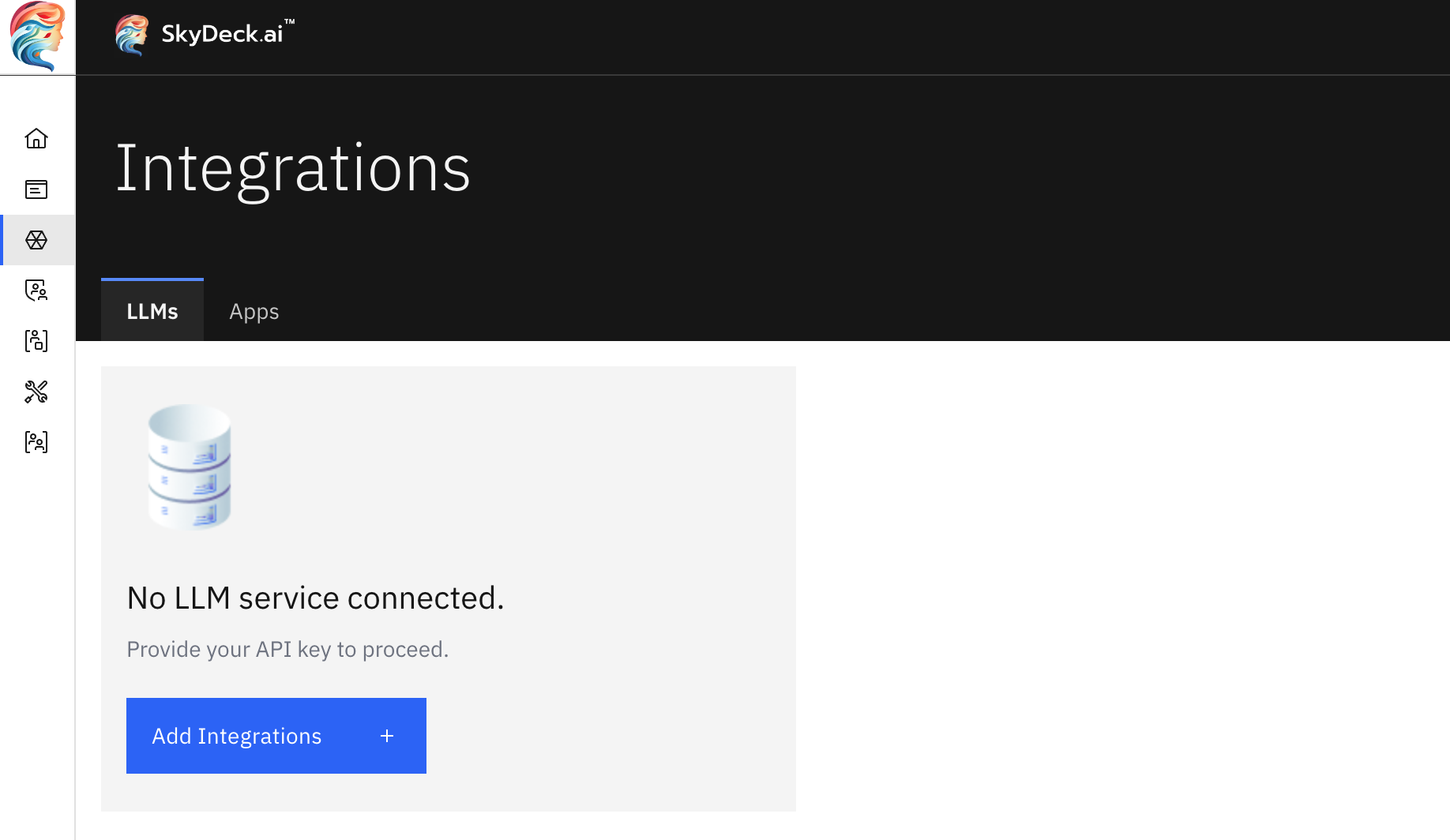
On the Integrations page, select from the upper right-hand corner.
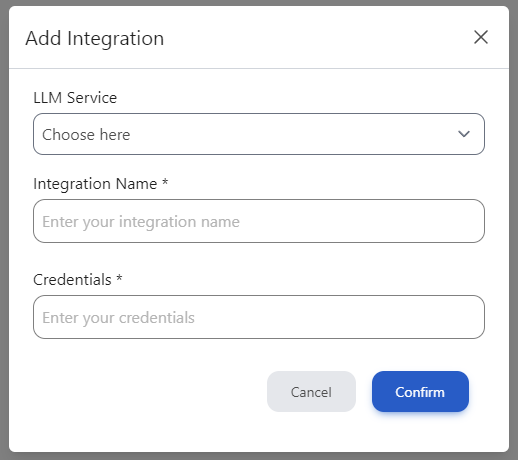
In the Add Integration pop-up window, fill out the following fields:
- LLM Service – Choose your provider from the dropdown menu. SkyDeck AI supports a range of providers, including OpenAI, Anthropic, Google VertexAI, Google Gemini, Mistral, Groq, Perplexity, xAI, Together AI, and Hugging Face.
- Integration Name – Create a recognizable name for your integration.
- Credentials – Enter your API credentials.