Add New Group
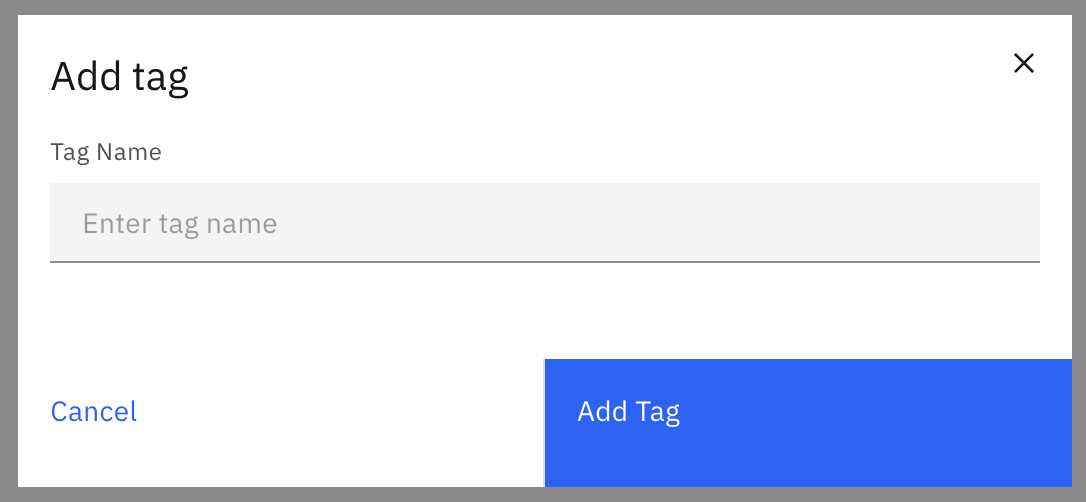
Click on the Add tag button and a popup will appear. Provide a name for a high level group within your organization. Press Enter or click on the Add button to create the tag.
Tip – Create one or two high level groups, then add a new group with more tags if you need more granular access control.